
The admin area
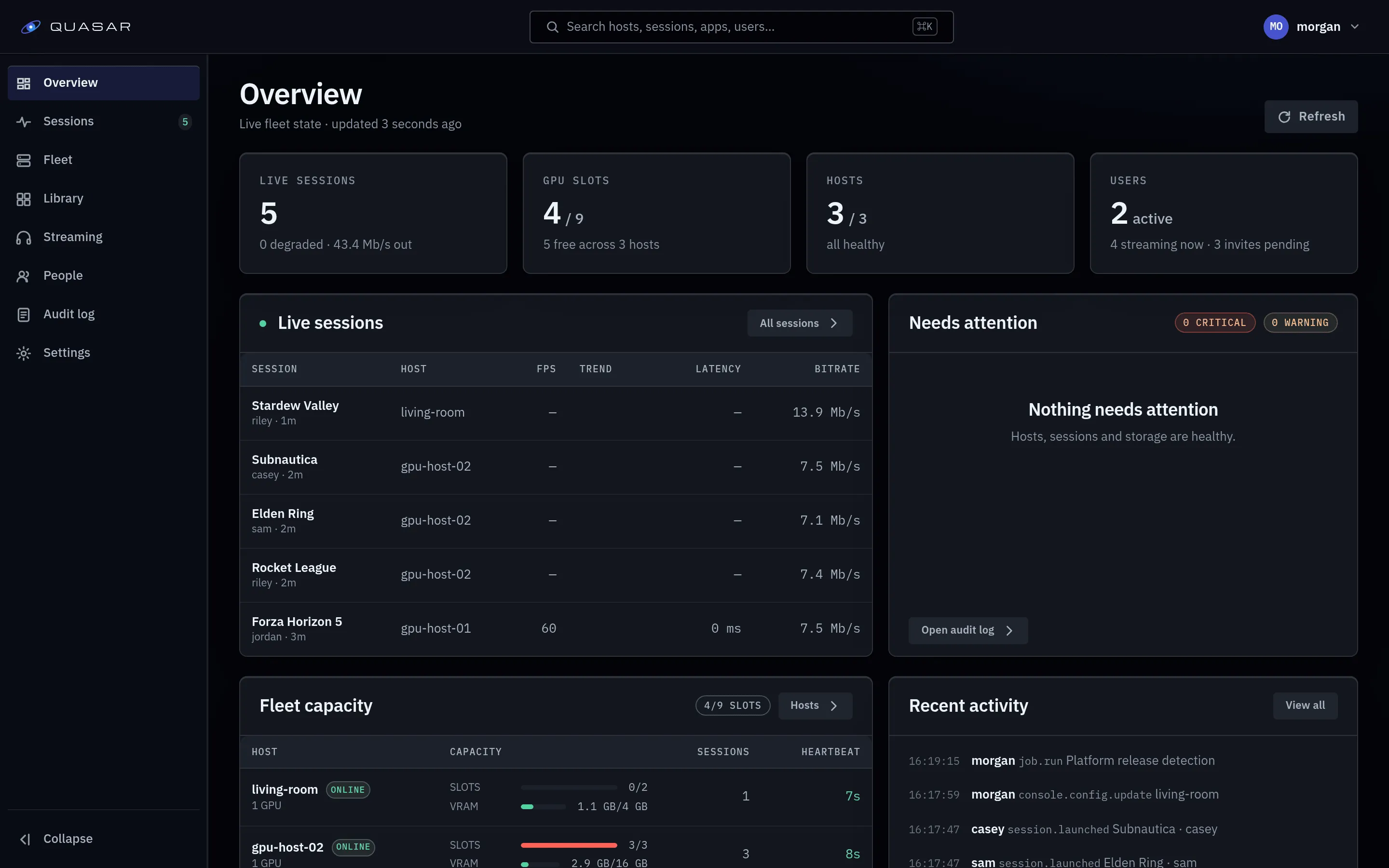
The admin area is at /admin, for accounts with the admin role.
Admin access
Section titled “Admin access”Create your account creates the first admin using the setup token. Other registrations create ordinary users. The server checks the admin role on every admin API request.
The map
Section titled “The map”| Entry | What it holds |
|---|---|
| Overview | Readiness checklist for a new instance, fleet GPU capacity, recent failures. |
| Settings | Registration, library discovery, allowed browser origins, artwork credentials, microphone permission, other access settings. |
| Sessions | Live and past sessions, with metrics, traces and diagnostic bundles. |
| Audit log | Admin actions. |
| Fleet | Hosts (GPUs, capacity, per-host settings including storage roots, console), Storage (managed homes), Jobs (background work and schedules). |
| Library | Apps, Runtime presets, Images (installed across hosts), Sources (Steam, manual apps, artwork). |
| Streaming | Launch profiles (tiers users pick), Stream profiles (encode rungs). |
| People | Users (roles, session limits), Invites (registration mode, codes). |
Start here
Section titled “Start here”- Check the host and GPU under Fleet ▸ Hosts.
- Set up your game library, or install an image and create an app for another launcher or desktop.
- Play your first session.
- Set registration and invite people under People ▸ Invites.
What the admin area does not do
Section titled “What the admin area does not do”- Install games. Quasar launches container images; the Steam library is the closest to automatic.
- Manage the host OS: drivers, kernel modules and the socket buffer sysctl are yours.