
Quasar
Your GPUs.
Any browser.
Quasar is a self-hostable cloud gaming platform. Run games on your own hardware and play them in your browser. Multi-host, multi-user, hardware encoded, no client to install.
# the quick start writes this for you: one container, the seed
$ docker run -d --name quasar-seed … quasar-recovery@sha256:… seed
$ docker ps --filter label=io.quasar.installation --format '{{.Names}}'
quasar-recovery
quasar-postgres
quasar-control-plane
quasar-node-agent
→ https://192.0.2.50:8443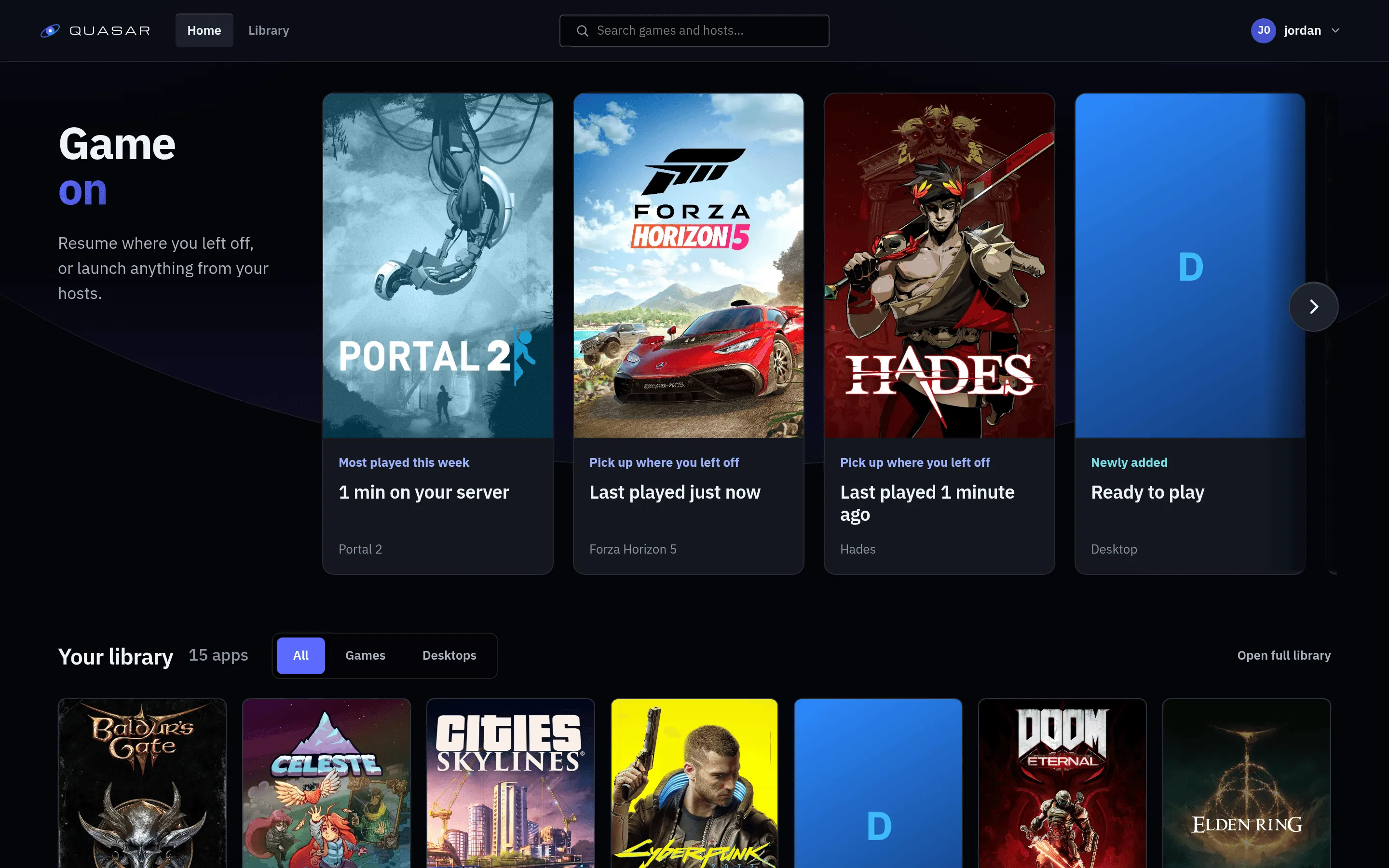
What it is
If you own a machine with a decent GPU that spends most of the day idle, Quasar turns it into something you can play from a laptop, a tablet or a TV anywhere on your network. No subscription, no client install, no moving hardware between rooms. Your saves live on storage you control.
Quasar reuses two components from theWolf project: thegst-wayland-display Wayland compositor and inputtino virtual input. Both are excellent and there was no reason to rewrite them. Quasar goes a different direction from Wolf rather than replacing it, starting from multi-host and multi-user and streaming to browsers over WebRTC instead of speaking Moonlight. If Moonlight compatibility is what you need, Wolf is the better answer.
How a session works
- 01
You pick something from your library. The browser asks the control plane for a session.
- 02
The control plane picks a host with capacity and resolves your quality tier into one codec, resolution and bitrate the host can encode and your browser can decode.
- 03
That host's agent starts the game container, brings up a compositor for it, and builds the encode pipeline.
- 04
Browser and host connect directly. Video, audio and input travel between them, and the control plane drops out of the path.
What works today
- Multiple GPU hosts
- Add a machine and it joins the pool. Sessions are placed by spread, load or storage locality.
- Multiple users
- Per-user persistent home directories, per-app entitlements, and registration that can be closed, invite-only or open.
- Hardware encoding
- Vulkan Video on AMD and NVIDIA, VA-API on Intel, with vendor encoders available as explicit choices or per-codec fallbacks.
- Three codecs
- H.264, HEVC and AV1, resolved per session against what the host can encode and the client can decode. HEVC in a browser depends on the client operating system, so Linux clients get AV1 or H.264 instead.
- Adaptive bitrate
- On by default, tuned for smoothness rather than peak bitrate. Under induced congestion it cut presentation jitter at the 95th percentile from roughly 69 ms to 19 ms.
- Real input
- Keyboard, mouse, touch and gamepads over the data channel, with optional microphone capture. Escape reaches the game through Keyboard Lock, which needs Chromium and HTTPS.
- An admin area
- Apps, container images, quality tiers, hosts, GPUs, storage, sessions and users. Admin is a server-enforced role, never a client-side flag.
- Diagnostics that name the cause
- Per-session bundles correlate encoder, network and client signals and say which of the three caused the stutter, or refuse to guess when the browser tab was hidden.
- One container per machine
- The seed starts Quasar's recovery actor, which installs and updates the rest: Postgres, the control plane and an agent. No compose file, no secrets to generate.
Where it is
Quasar works and is used daily, and it is not a finished product. The parts covered by this documentation are built and running. Two limits are worth knowing before you invest an evening in it.
Media takes a direct route between the browser and the GPU host, so a LAN or a VPN is the shape Quasar is built for. There is also no native client yet, so the browser is the only way in, and browser decoding constrains what the stream can be.
Run it on your own hardware
A Linux host, Docker, and a GPU you already own.