
Users and invites
Registration modes
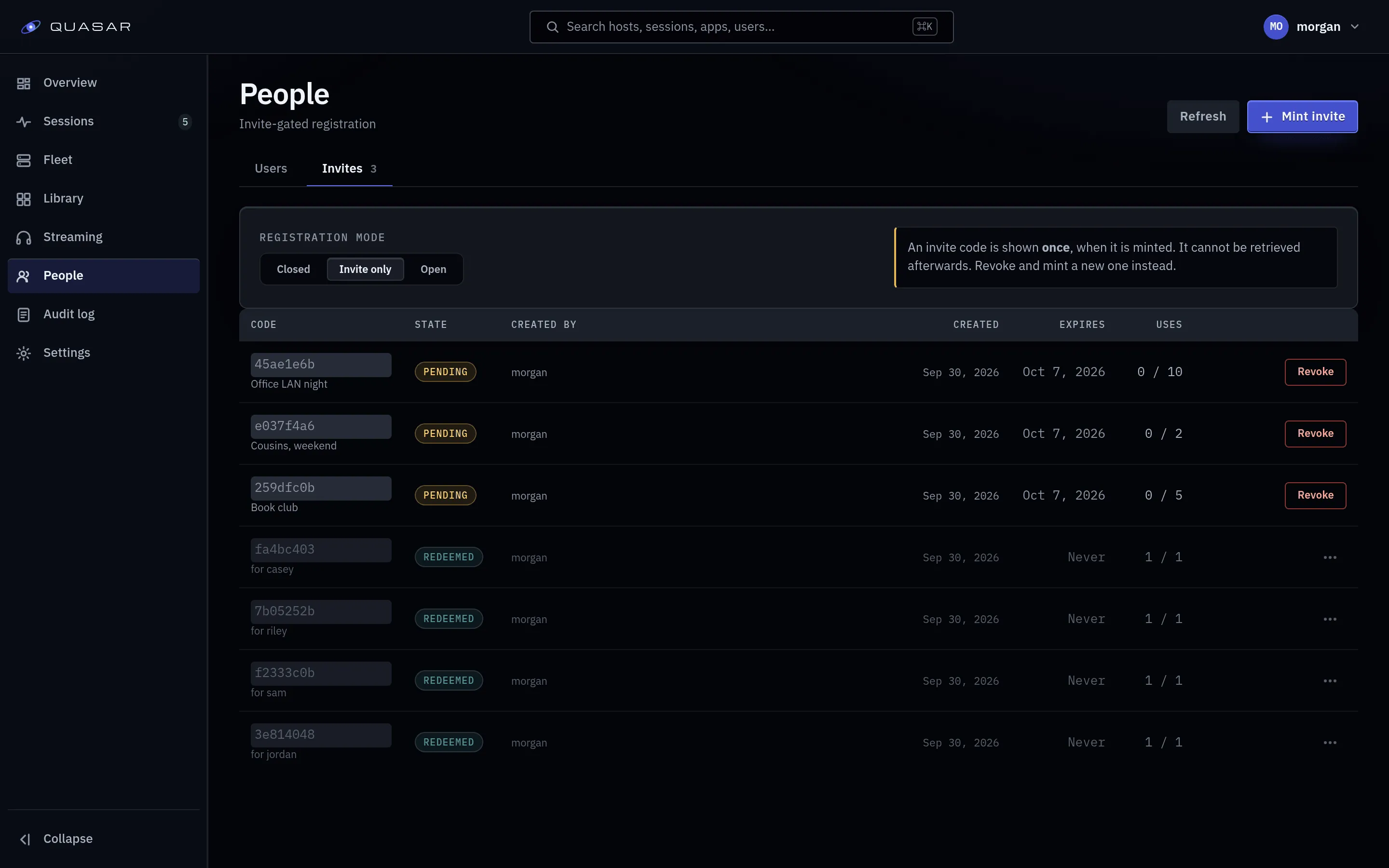
Section titled “Registration modes”Set under Admin ▸ People ▸ Invites.
| Mode | Behaviour |
|---|---|
closed |
Nobody can register. The default. |
invite_only |
Registration needs a valid invite code. |
open |
Anyone who can reach the page can register. |
On a legacy Compose install, REGISTRATION_MODE in deploy/.env only seeds this
on a fresh database’s first boot. After that, the admin UI setting wins.
Invites
Section titled “Invites”Minting an invite shows a code and a link once. Copy it then. The link carries the code, so the recipient types nothing. You can list and revoke unused invites.
Admin ▸ People ▸ Users shows accounts, roles and session limits.
- Roles:
useroradmin. Admins can do everything. - Concurrent session limit: sessions one account may run at once.
0blocks the user from launching anything.
Devices
Section titled “Devices”Each browser a user logs in from is a device, with its measured decode support (used to pick a codec it can play). Users rename, trust and revoke their devices from their account page; revoking logs that device out. Login tokens can be bound to a device, so a stolen token doesn’t work elsewhere.
The audit log
Section titled “The audit log”Admin ▸ Audit log records admin actions. See Sessions and audit log.
App access: who sees what
Section titled “App access: who sees what”A user’s library shows only apps granted to everyone or to them. Grants are set on the app under Admin ▸ Library ▸ Apps; see Apps and runtime presets.